Table of contents
Custom Module Example
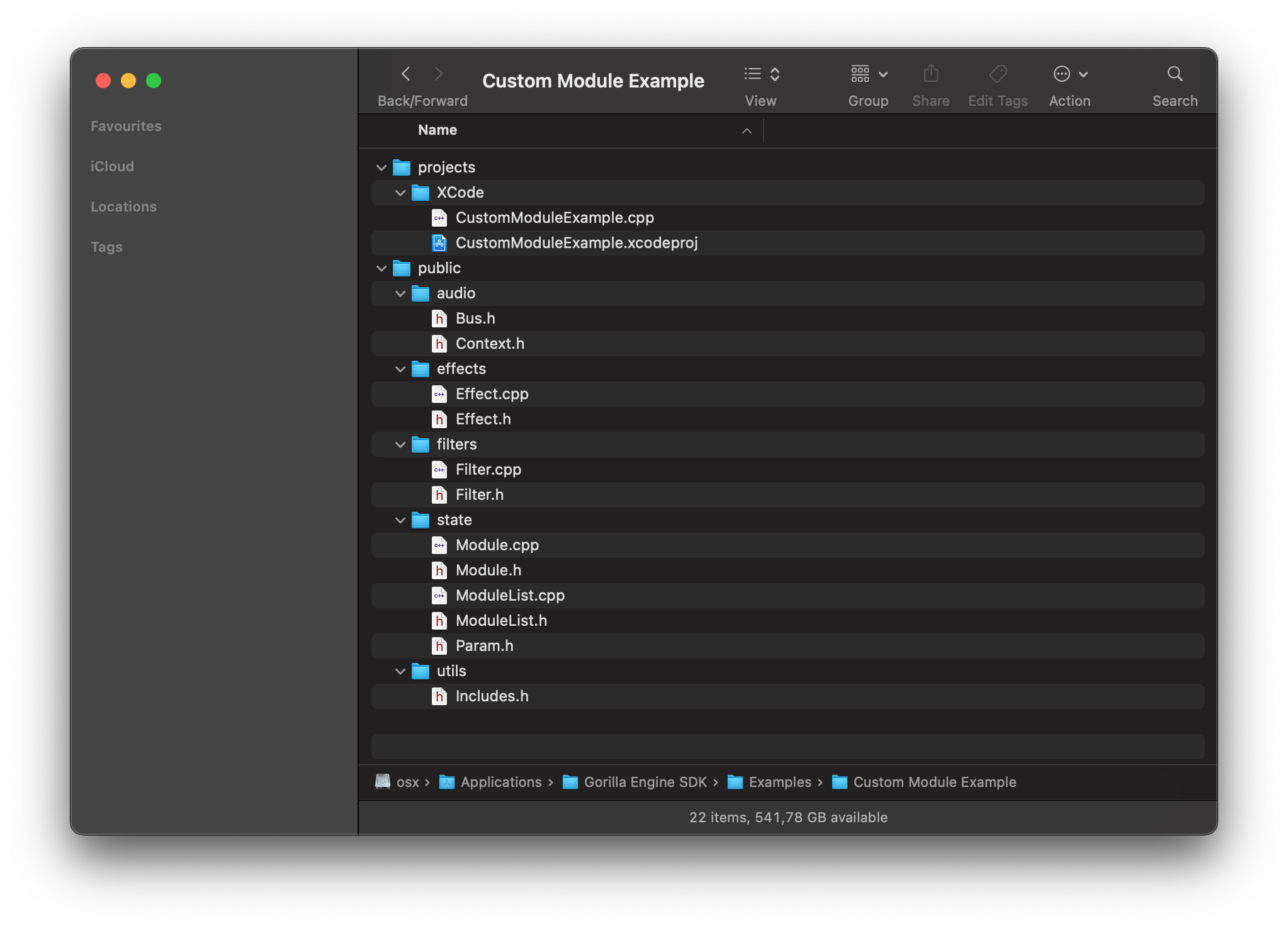
This custom module example can be found in the Examples folder of the enterprise Gorilla Engine SDK. It’s a great starting point for anyone looking to create or integrate their own audio processing algorithms into Gorilla Editor and Gorilla-based plugins.
This example demonstrates:
-
A simple effect module which can be inserted in an effect bus. The example adjusts the volume of the audio passing through the bus.
-
A filter module which can be inserted in a group. Filter modules can process or generate audio and can output modulation signals. The example adjusts the volume of the audio passing through the filter and also outputs a meter level that can be connected to the UI using Gorilla Script.
If you are not familiar with Gorilla Editor, here is a short introduction video. We also provide documentation for Gorilla Editor and Gorilla Script.
Custom Module - projects
This folder contains project files for building a dynamic library and the source code for the example modules (CustomModuleExample.cpp).
Custom Module -public
This folder contains C++ base classes for the example and your own custom modules to use. The only ones you need to look at for creating most types of custom module are effects/Effect.h and filters/Filter.h which describe the available functionality.
If anything is not clear contact us for additional info.
Installing a custom module
When you have built a dynamic library with one or more custom modules, place it in the following location to make the modules available for use in Gorilla Editor:
macOS: /Library/Application Support/UJAM/Gorilla Editor/PlugIns
Windows: C:\ProgramData\UJAM\Gorilla Editor\PlugIns
Using custom modules in your own plugin
(Enterprise SDK only)
The method GEPub::setCustomModuleFactory(CustomModuleFactory* factory) is used to make custom modules available to instruments running in a GEPub instance. The definition of CustomModuleFactory is found in public/state/Module.h.
You can either compile your custom module code into the plugin alongside the gepub library or dynamically link to it. Note that if you distribute custom modules as dynamic libraries without some sort of copy protection or license enforcement, other Gorilla Editor users will be able to load the included modules in their own instruments.